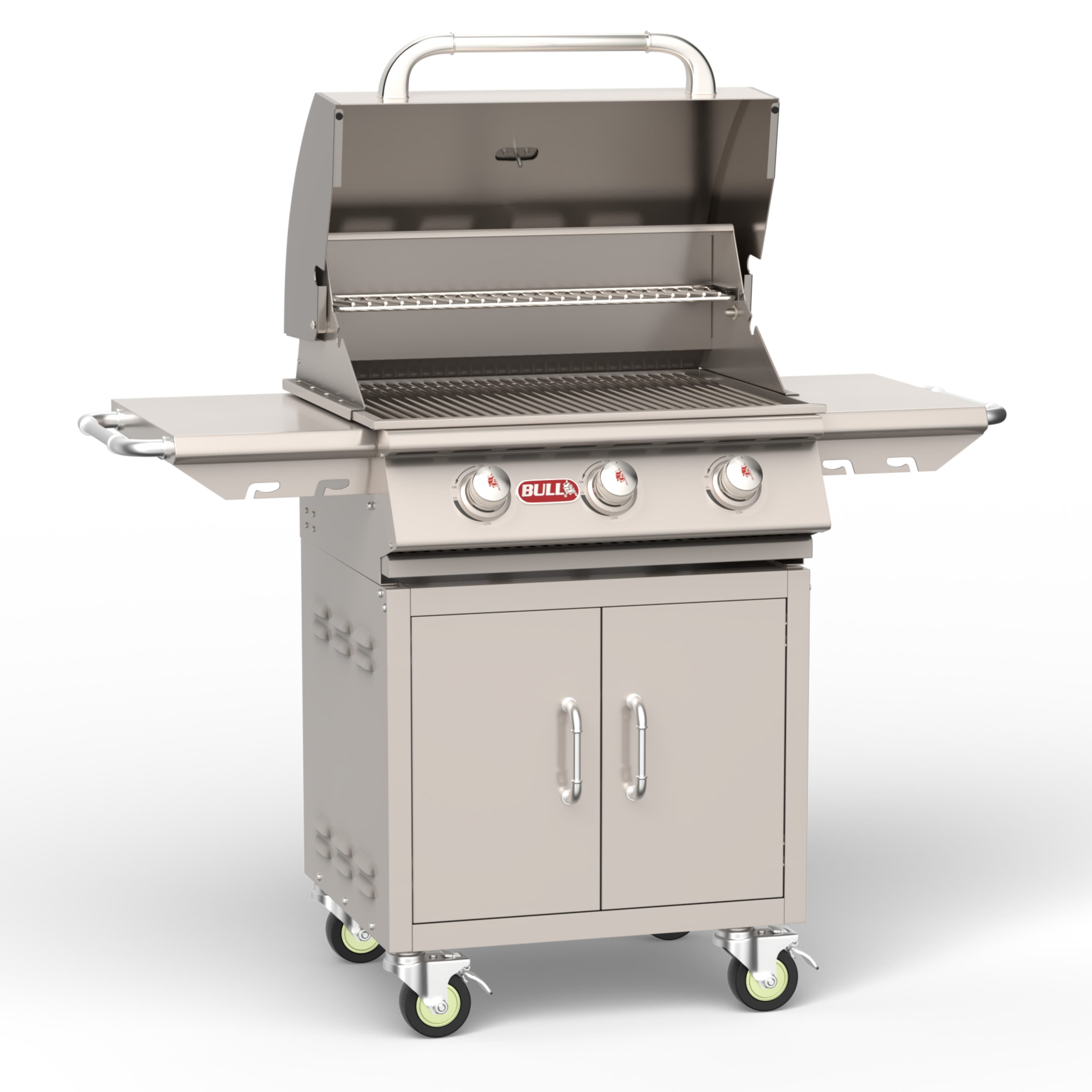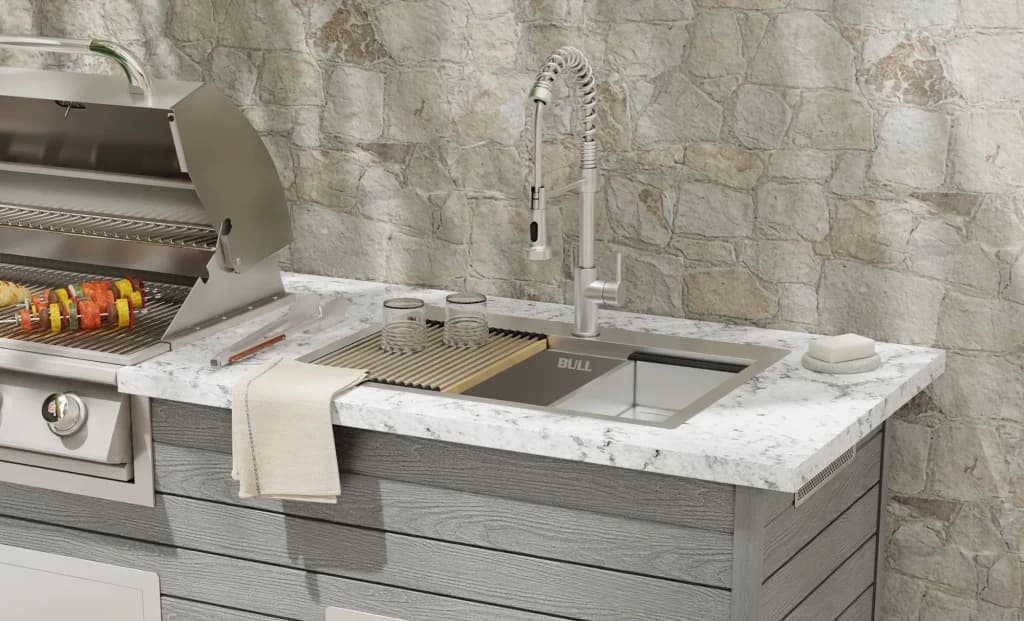
Bull BBQ · Warranty
Bull BBQ Warranty: What's Covered and How to Register
Bull warrants its gas grills to the original purchaser against defects in materials and workmanship, subject to the terms of the Bull warranty. Registration is required to activate coverage, and proof of purchase travels with every claim. Plan on about 10 minutes to register and keep a photo of your receipt.
By Reed · Updated November 8, 2026
What you need
- Proof of purchase (receipt or order confirmation)
- Bull grill model and serial number
- Email address for the Bull customer portal
- Camera-equipped phone (for photographing the serial plate and receipt)
Step by step
Locate the model and serial number
Bull's FAQ names the drip tray as the standard location for the model and serial plate on grills. Side burners, pizza ovens, and non-grill items carry the plate on the back or side panel. Photograph the plate before you register — the serial number is the primary key Bull uses to pull your warranty record.
Save proof of purchase
Photograph your receipt or save the PDF order confirmation. Bull's registration portal requires the file upload, and warranty claims filed months later fall apart without it. Keep a copy in a cloud folder so a lost phone doesn't lose the warranty.
Register the product on the Bull customer portal
Go to bullbbq.com/registration-warranty and click into the customer portal. Enter the model, serial, purchase date, dealer name, and your contact information, then upload the receipt. Bull's own description of the portal is that it streamlines registration, coverage management, and support access in a single place.
Keep the warranty confirmation
Bull emails a confirmation after registration. Save it in the same folder as the receipt and the serial plate photo. If you ever file a claim, having all three in one place takes a claim that could last weeks and finishes it in a day.
File a claim through the service-center network
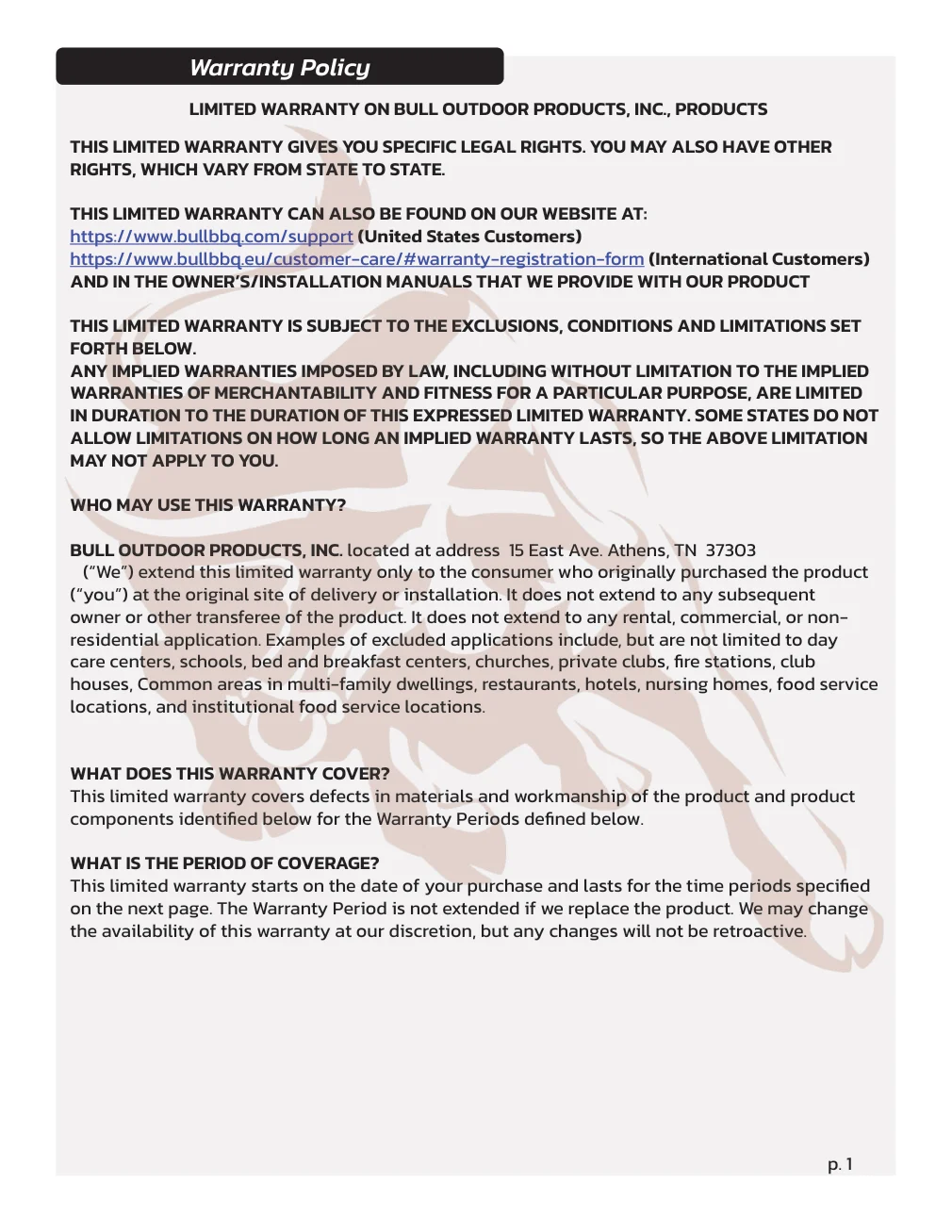
When something fails under warranty, Bull routes claims through the authorized service-center network listed at bullbbq.com/service-centers. The intake is faster when you lead with the serial number, the dealer name, and a photo of the failed part. Bull's FAQ specifically names the registration page as the single place to file a warranty claim or question.
Hands-on tips
- Natural gas conversions should be scheduled with the plumber before the grill arrives, so the conversion kit is ordered and the labor is on the calendar.
Questions people ask
How long is the Bull grill warranty?
Bull offers tiered coverage on different components — hoods, burners, and electronics each have their own term. Specific durations are posted inside the Bull customer portal and in the owner's manual that ships with each grill; confirm the exact terms for your model at bullbbq.com/registration-warranty before you file.
Do I have to register my Bull grill to activate the warranty?
Yes. Bull's FAQ routes product registration to a single portal and names it as the point of entry for warranty claims and questions. Register at bullbbq.com/registration-warranty with proof of purchase.
What voids a Bull warranty?
Common voiders: a fuel-type conversion done without a Bull conversion kit or by an unlicensed installer, installation into a combustible countertop without the required insulated jacket, use of non-OEM replacement parts, and damage from misuse or commercial use of a residential-rated grill.
How do I file a Bull warranty claim?
Go to bullbbq.com/registration-warranty and use the portal, or contact an authorized service center listed at bullbbq.com/service-centers. Lead with your serial number, dealer name, proof of purchase, and photos of the failed part.
Is the Bull warranty transferable if I sell the grill?
Bull warrants the grill to the original purchaser, so coverage generally does not transfer. Check the specific terms for your model in the customer portal before you sell — some components carry a different transfer policy than the main structural coverage.
Was this guide helpful?
Shopping for Bull BBQ?
See Bull BBQ products